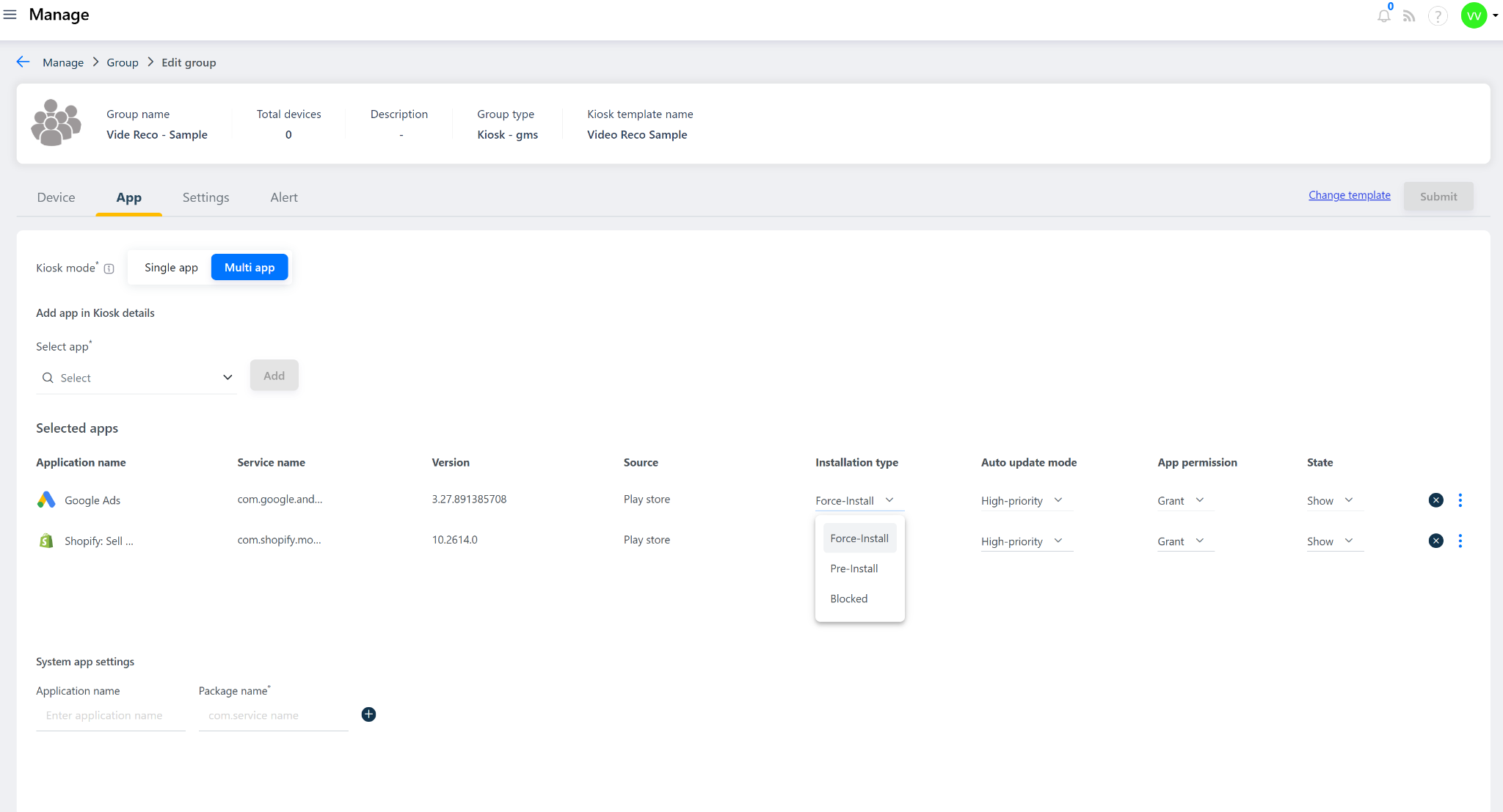
The Quantem Console allows admins to control how and when apps are installed on enrolled devices through Installation Type settings. When a device is enrolled into Quantem MDM, apps configured with a specific installation type are automatically handled — whether that is a forced silent installation, pre-installation recognition of OEM apps, or a complete block on app installation.
Installation Type Options
There are three Installation Type options available:
1. Force Install
2. Pre-installed
3. Blocked
Installation Type Comparison
Was this article helpful?
That’s Great!
Thank you for your feedback
Sorry! We couldn't be helpful
Thank you for your feedback
Feedback sent
We appreciate your effort and will try to fix the article